

Get the agent right before you build it.
Klate is where you design an AI agent’s conversations: every turn, every system it calls, every path where it goes wrong.
Klate opens to everyone soon. Until then, a person answers every email.
Conversations designed in Klate
Airline
Flight disruption rebooking
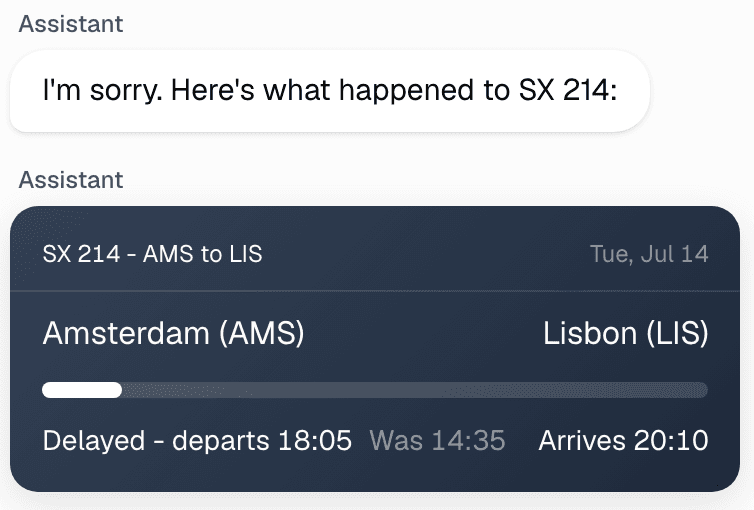
Delay, rebook, compensation, no seats left
Bank
Card dispute and fraud triage
Freeze the card, take the dispute, explain a decline
Telecom
Broadband outage triage
Line test, config push, hand off to field ops
Grocery
Order and basket concierge
Substitutions and allergens, all the way to checkout
Hotel
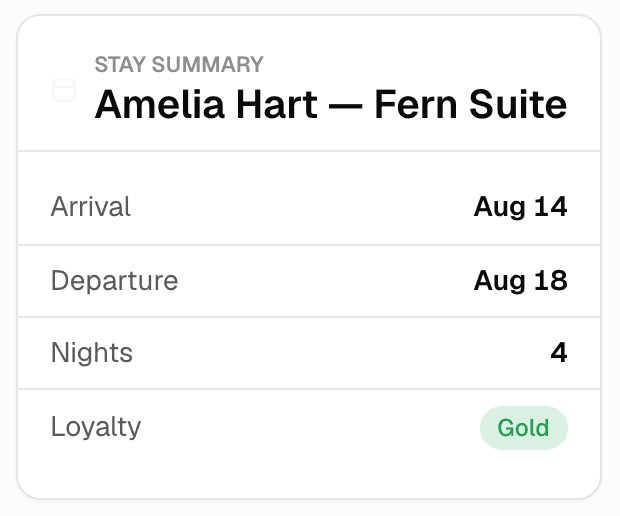
Guest concierge
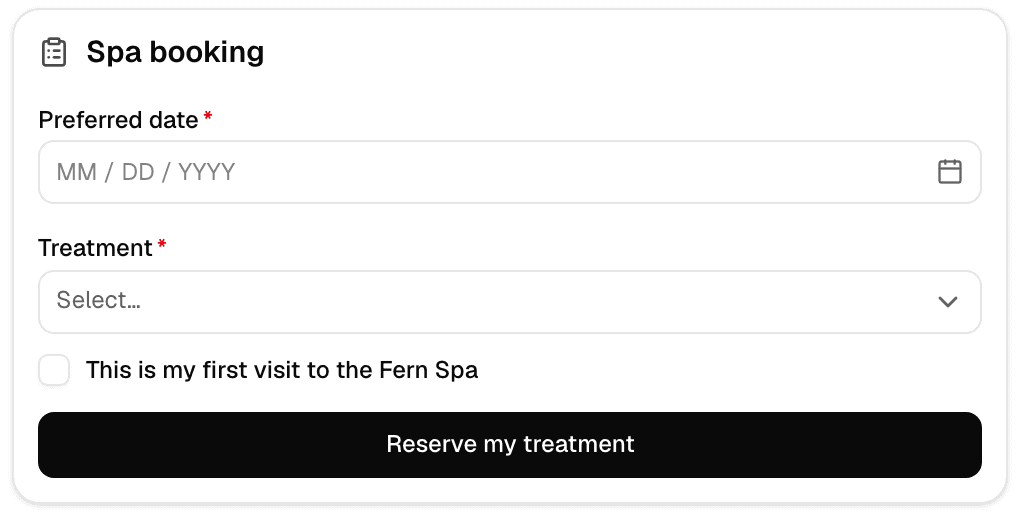
Late checkout, spa booking, a complaint at 23:00
Public services
Utilities voice line
A gas smell has to jump every other rule
Airline
Baggage tracker
Where the bag is, and what happens when nobody knows
Fitness
Membership and retention
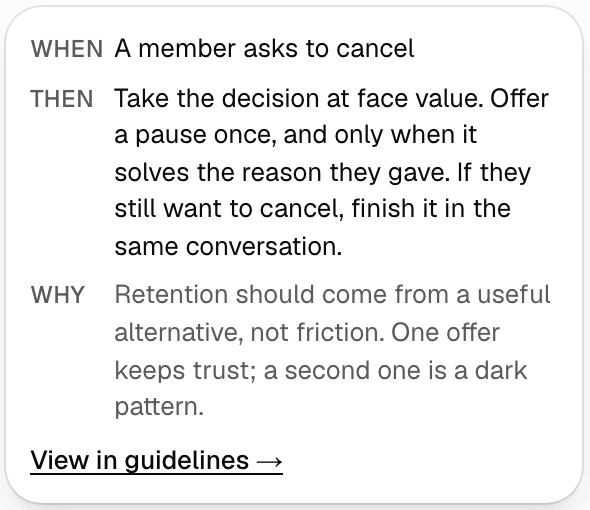
Pause the membership before you cancel it
Internal
IT helpdesk agent
Password resets, laptop swaps, what it may not touch
Internal
HR benefits guide
Answers on pay and leave that cannot be improvised
Hotel
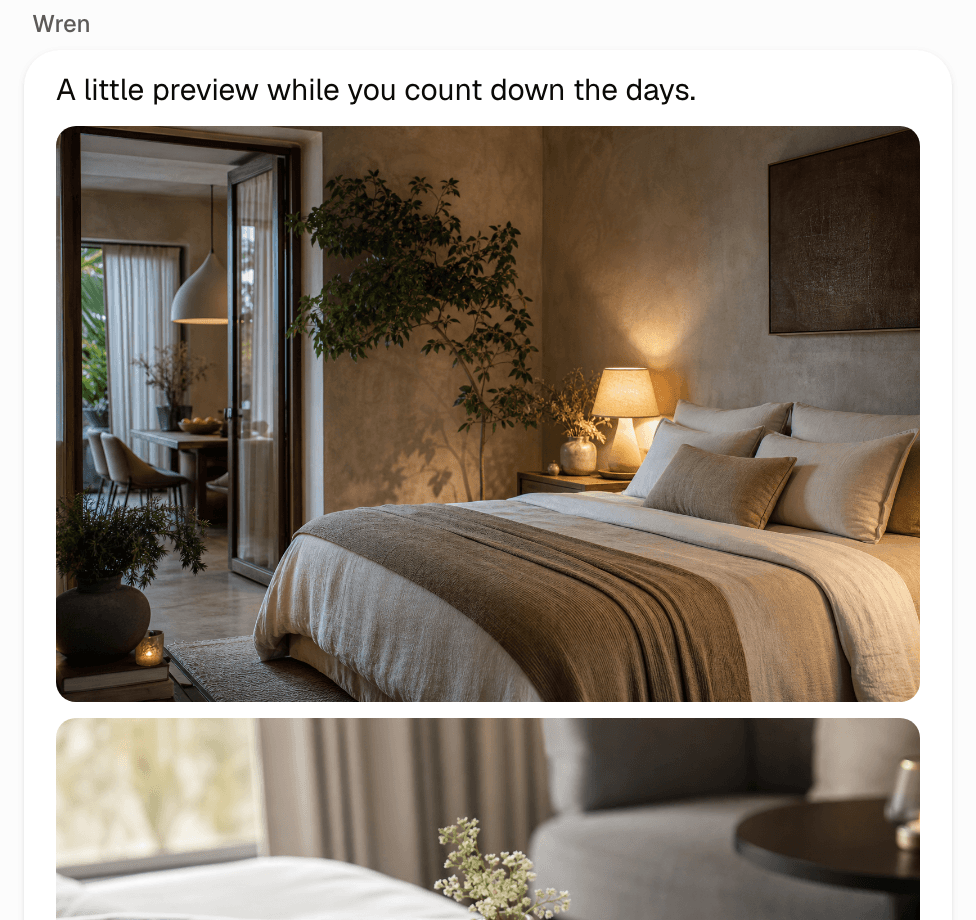
Pre-arrival journey
Everything said in an SMS-length budget
Airline
Voice flight status
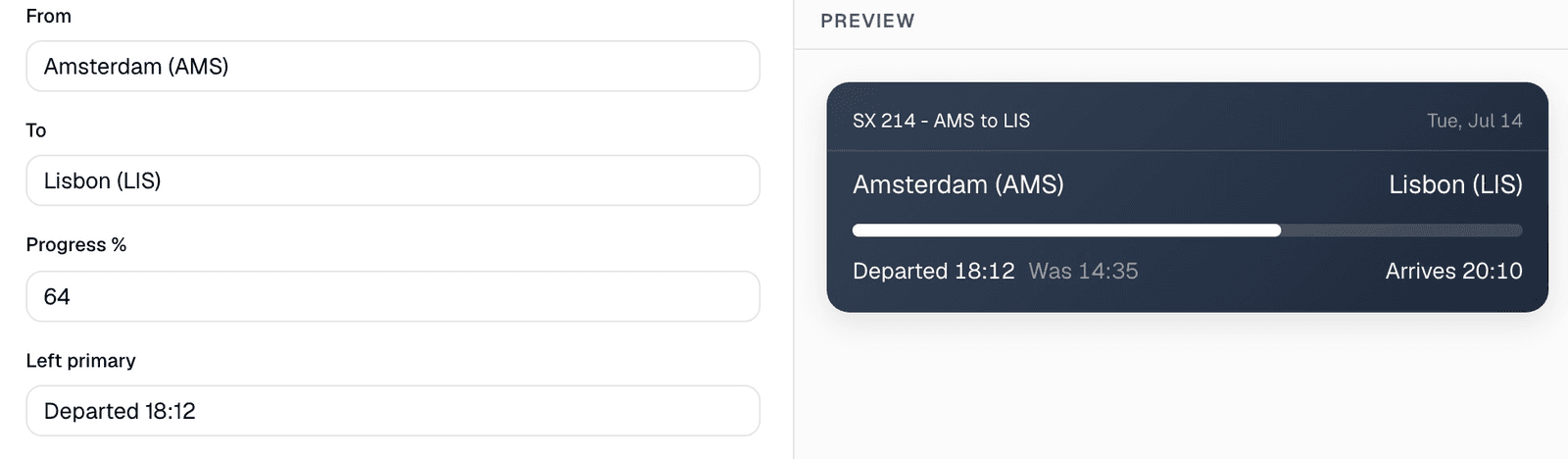
Written for the ear, with a no-speech reprompt
People at these companies design in Klate



















What your agent says and does, in one design.
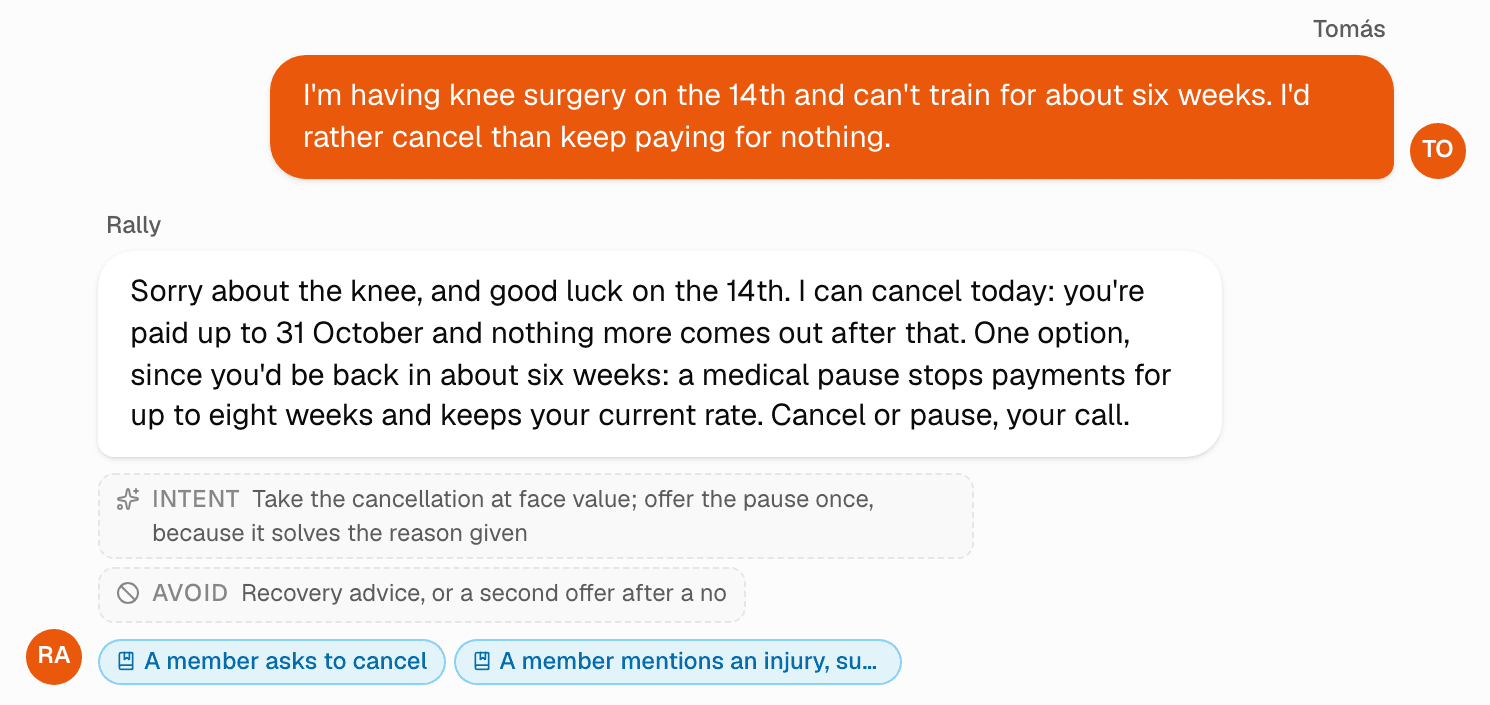
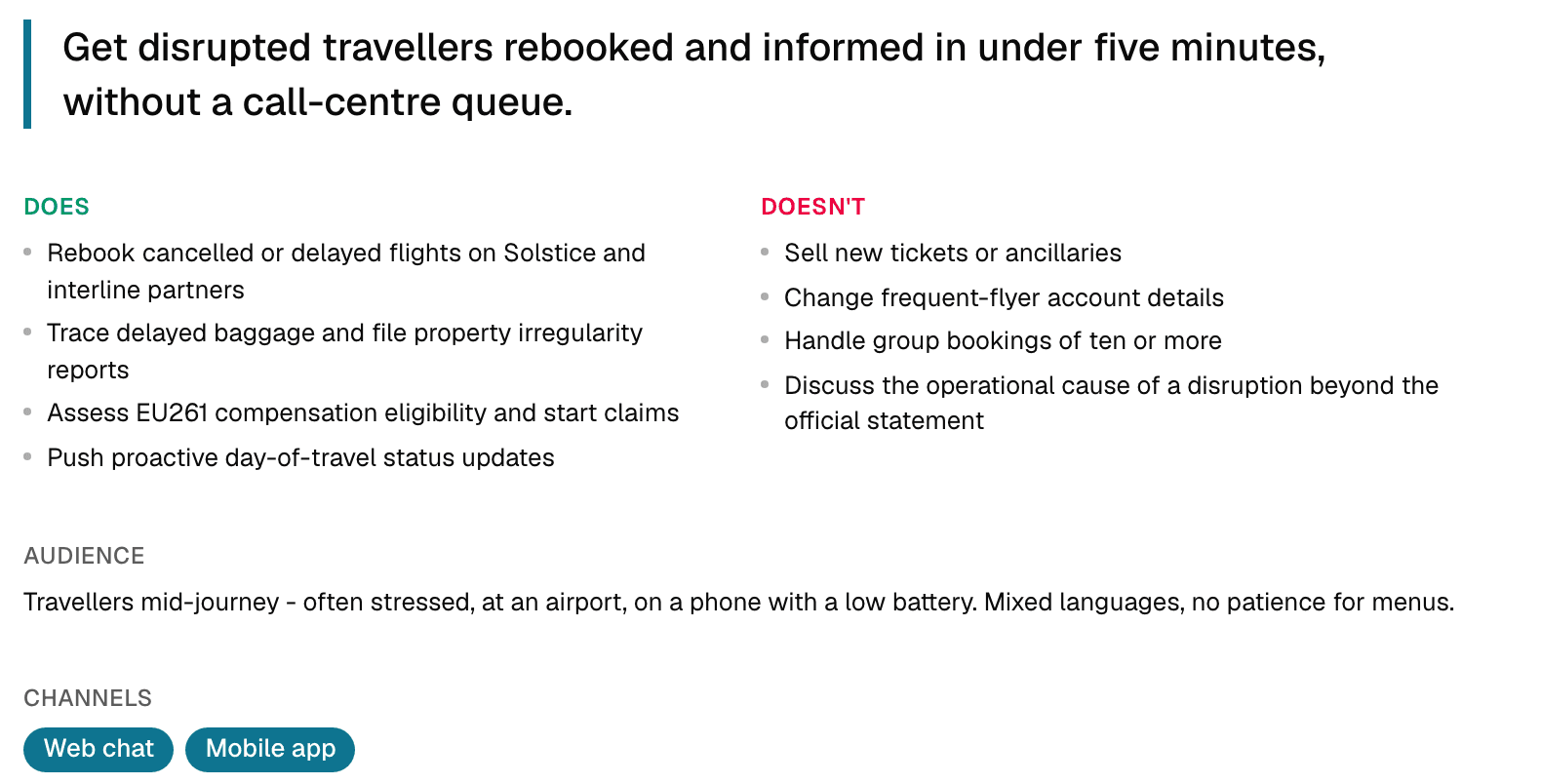
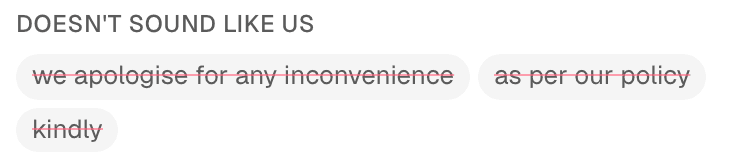
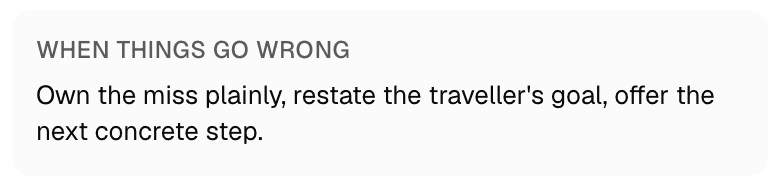
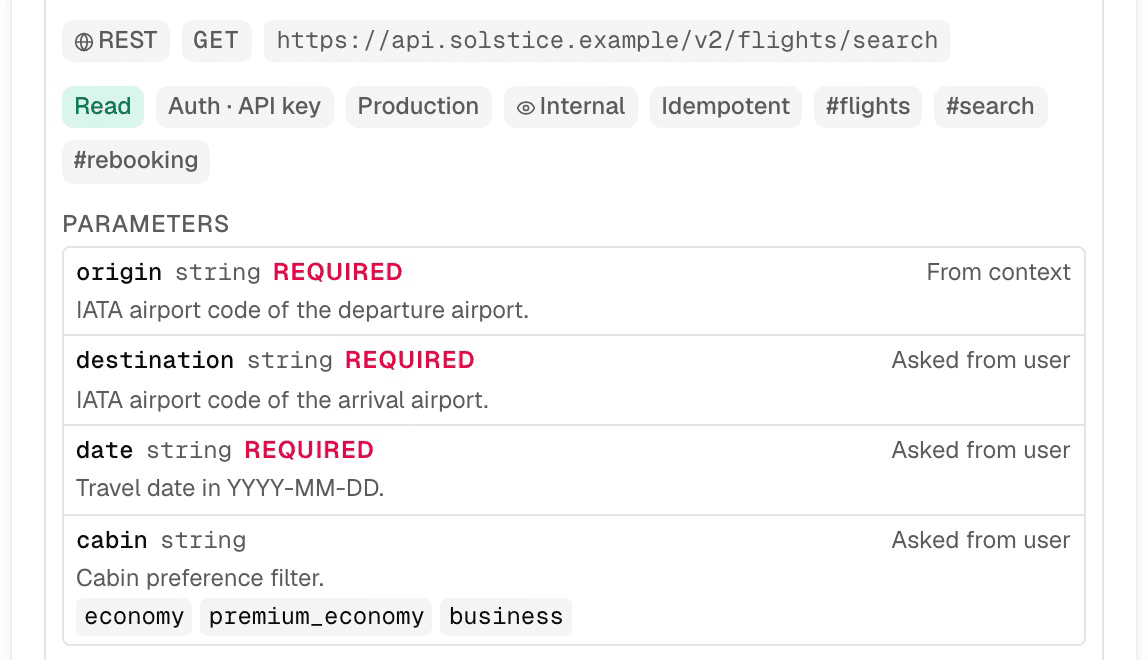
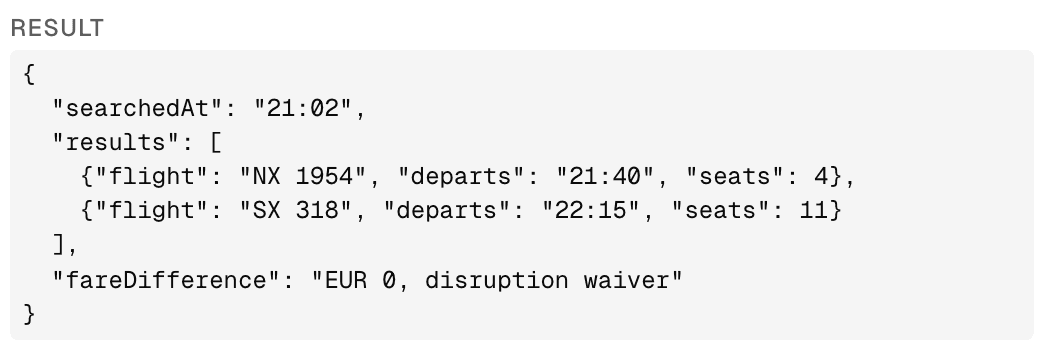
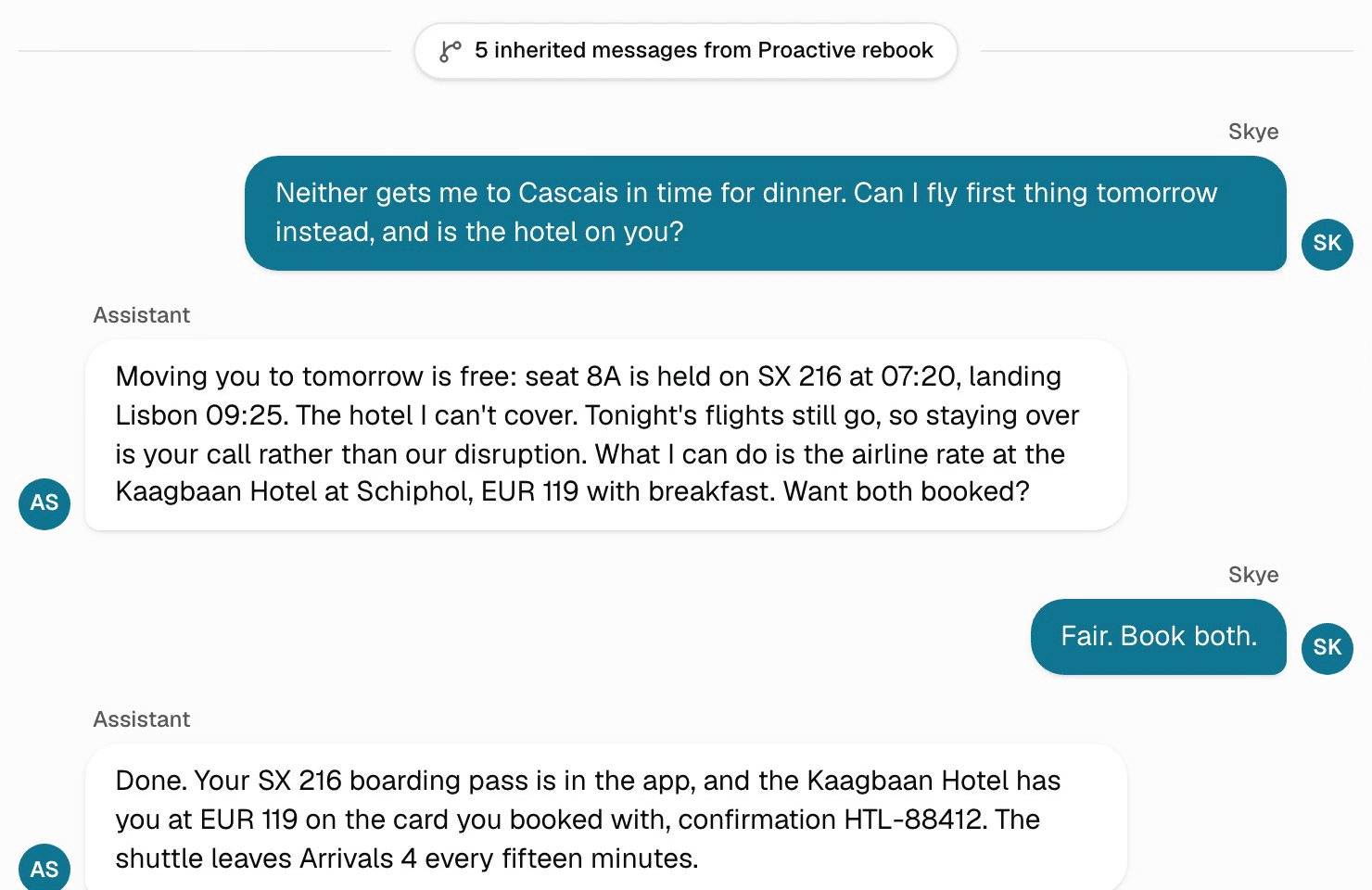
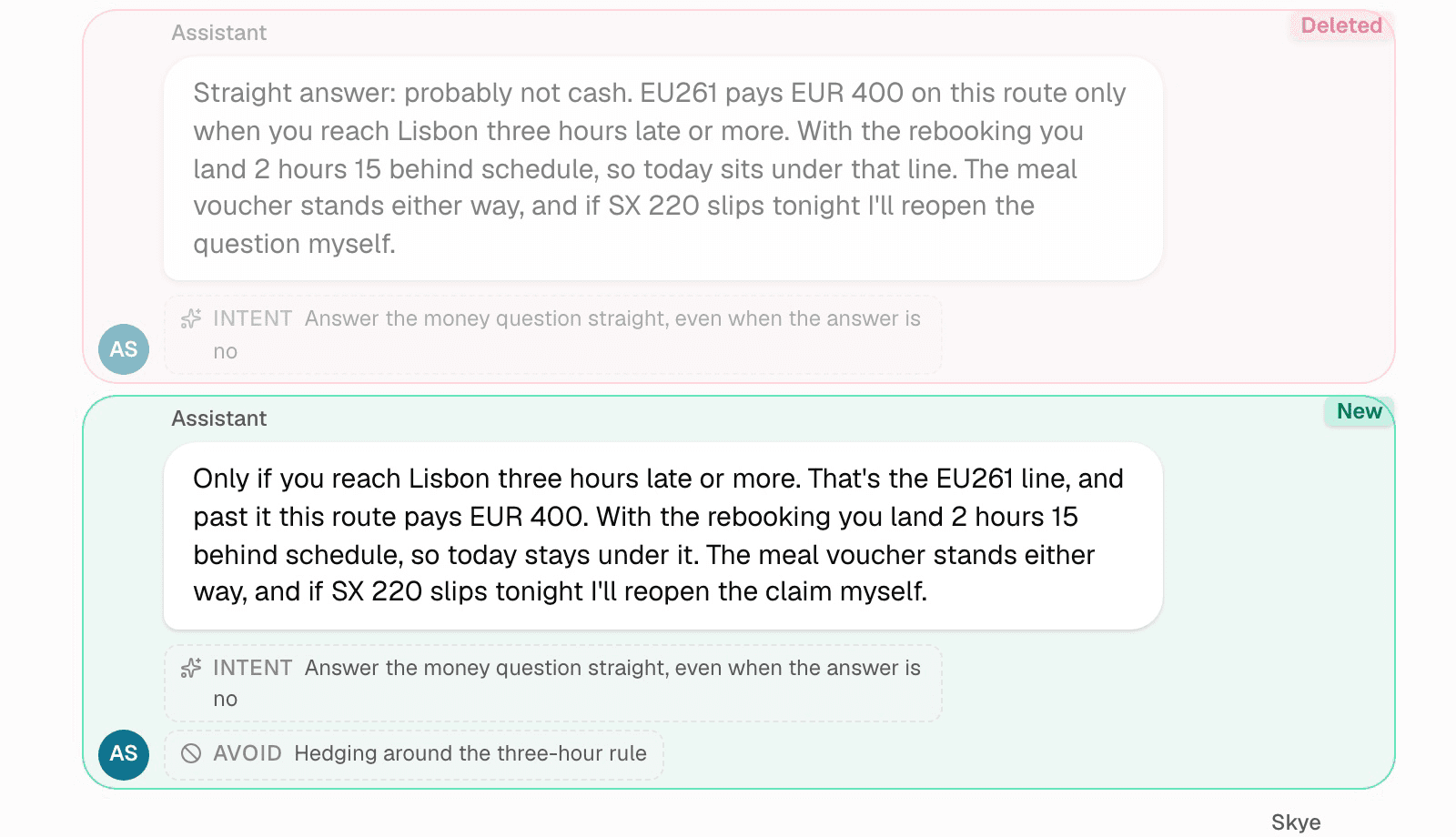
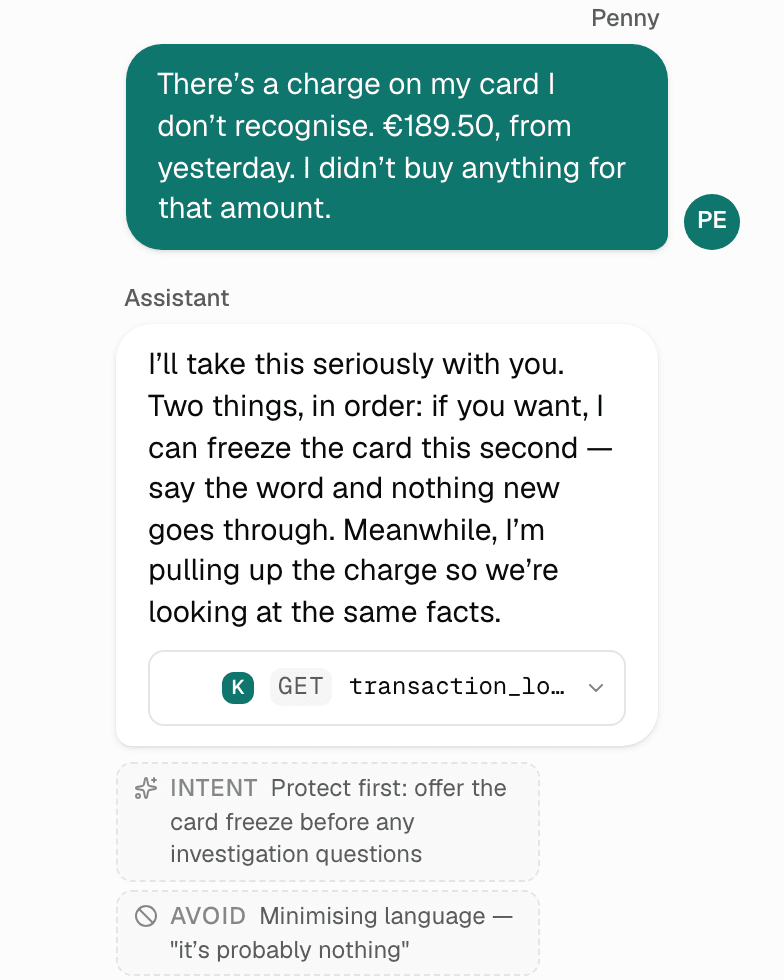
Example turns for the whole conversation, each with a note on what it has to achieve and what to avoid.
Change it now,
not after the build
In Klate, changing what the agent says takes a minute. Once the build has started, the same change is a ticket, a re-test and a release. So settle the conversation first: what it says, what it looks up, when it hands over to a person. The build starts from something everyone has already read.
Design it in Klate, then build on Sierra, Decagon, Wonderful or your own stack.
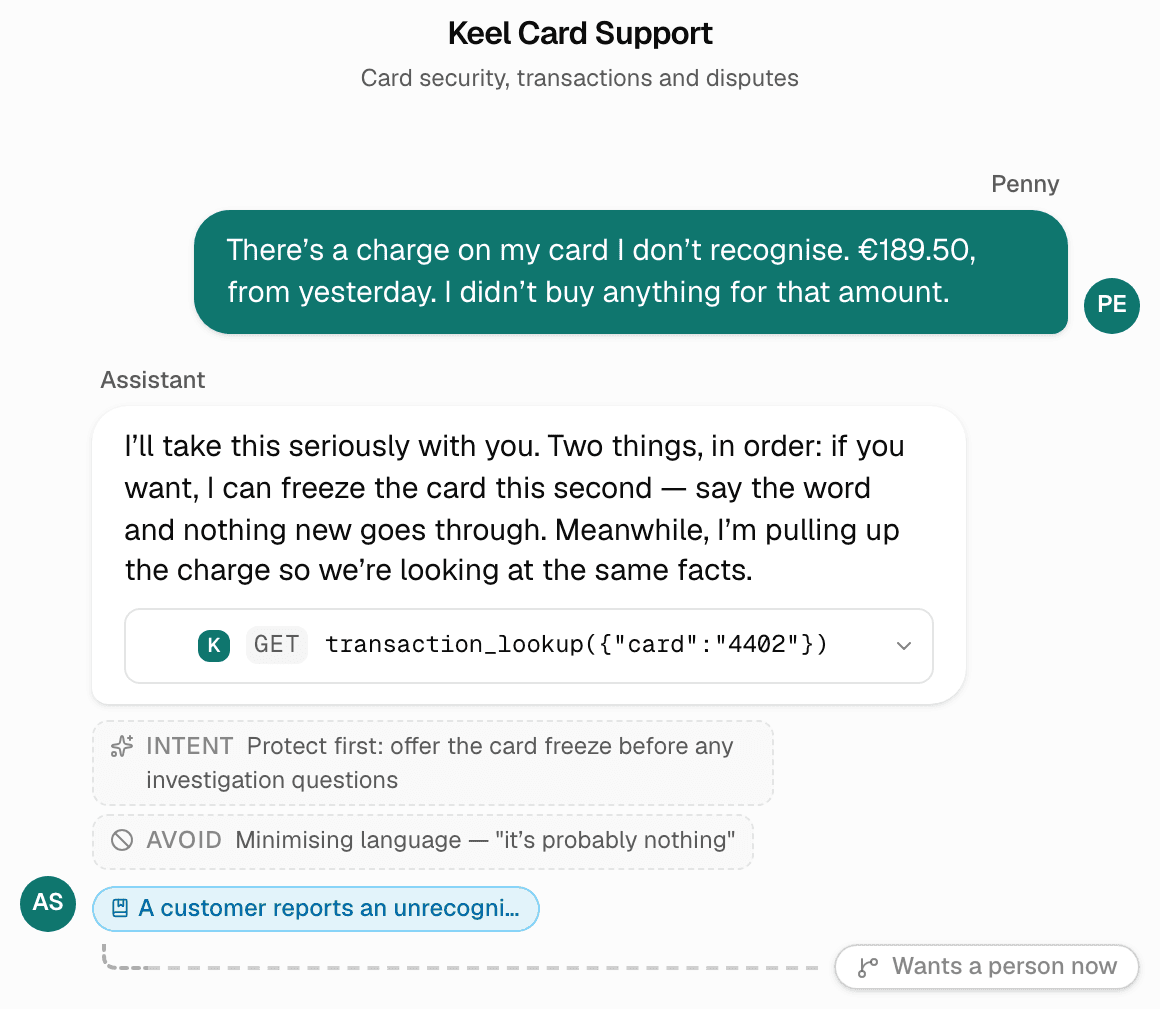
Design the day
it goes wrong
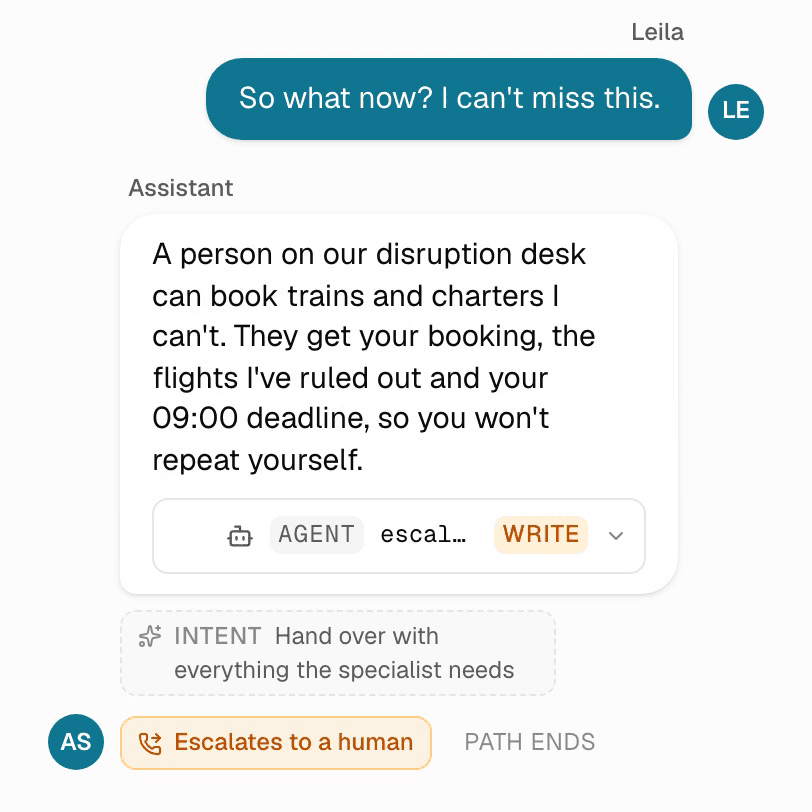
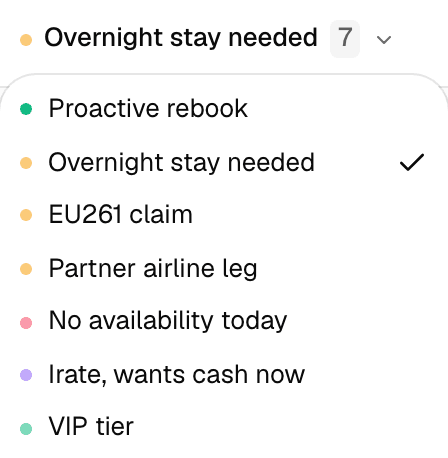
Most designs only cover the conversation going well. From any turn you can fork a path for the times it does not: the answer is no, the system is down, the customer wants a person. Label each path, and Klate shows you which situations nobody has covered yet.
The flight-disruption design has seven paths, one of them a branch off a branch.
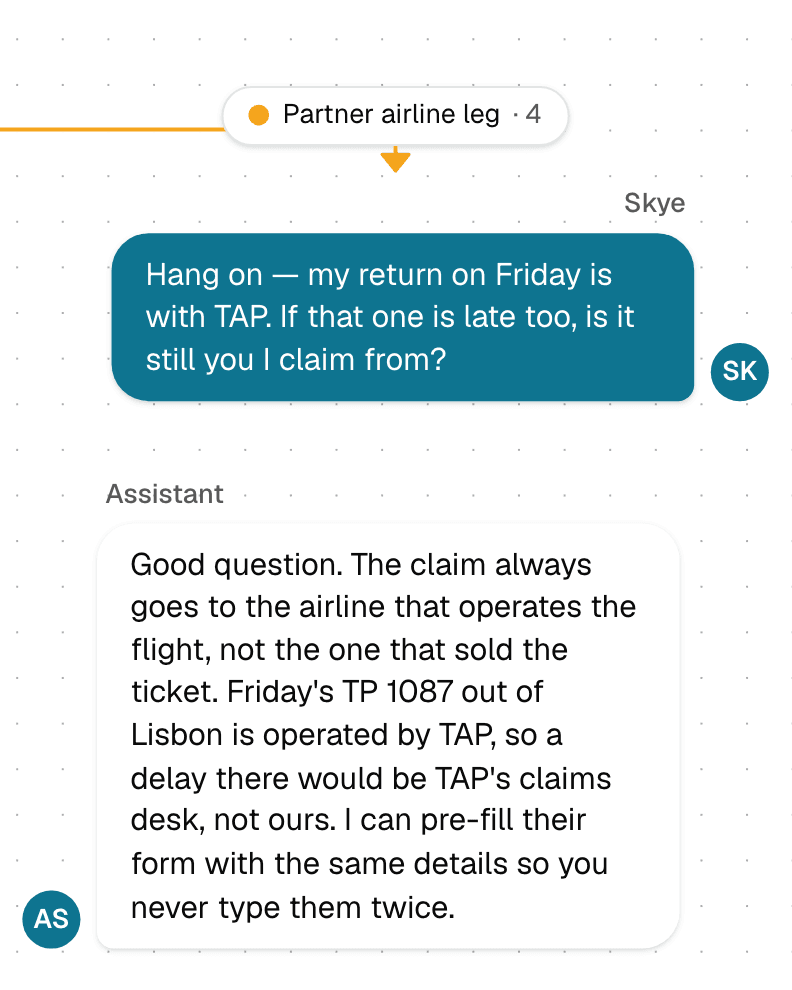
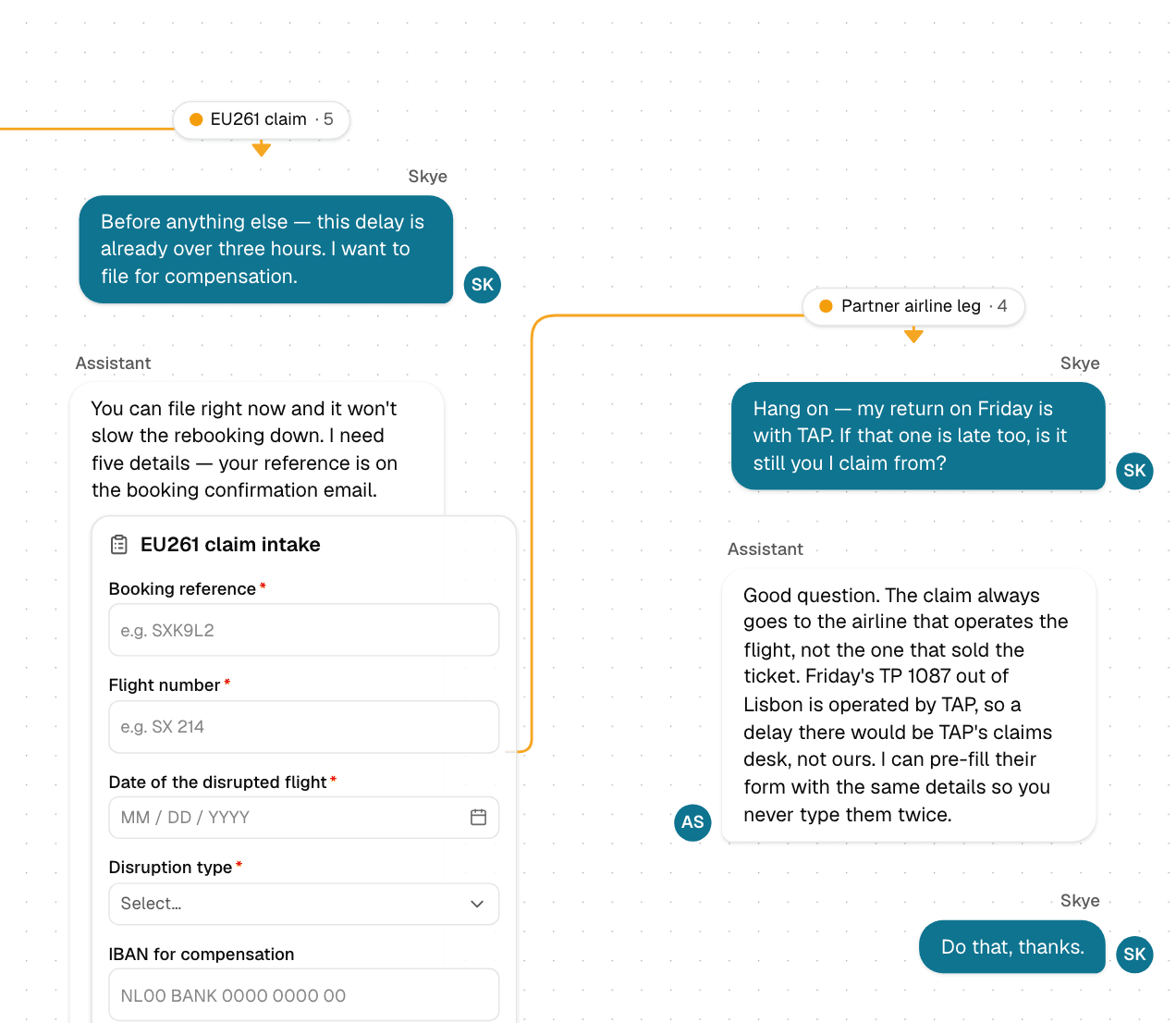
Turn a design
into a decision
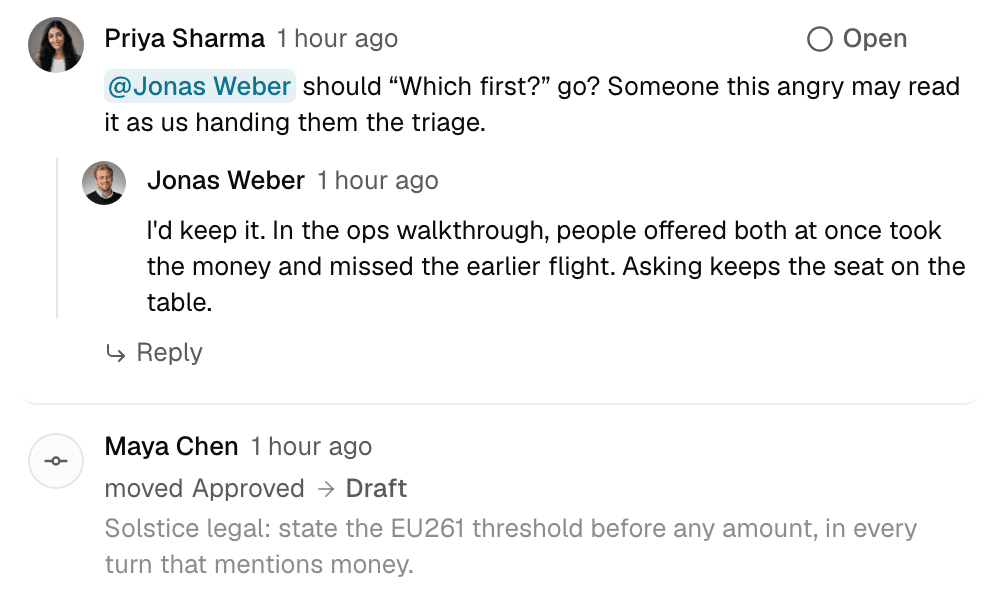
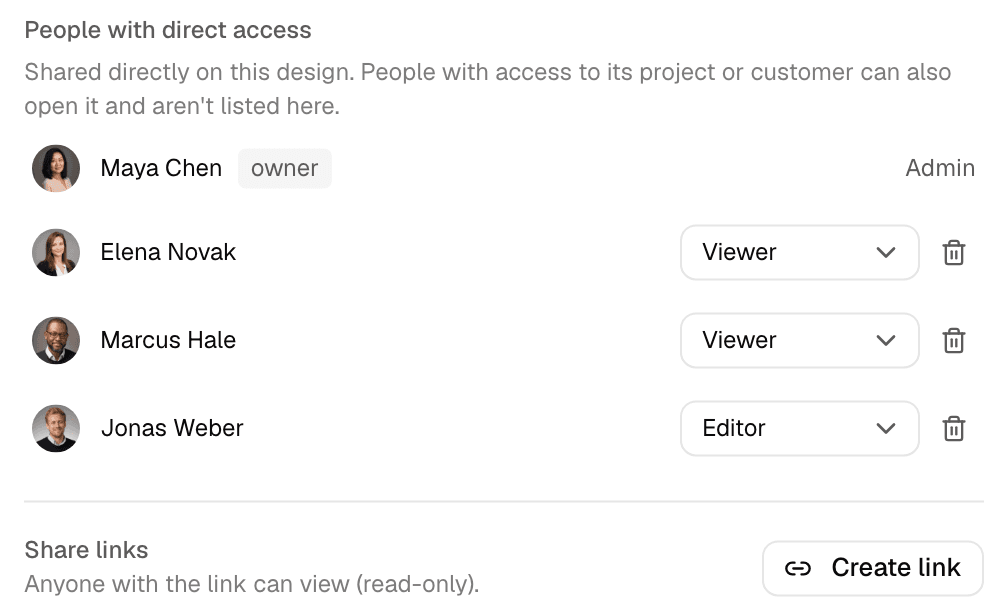
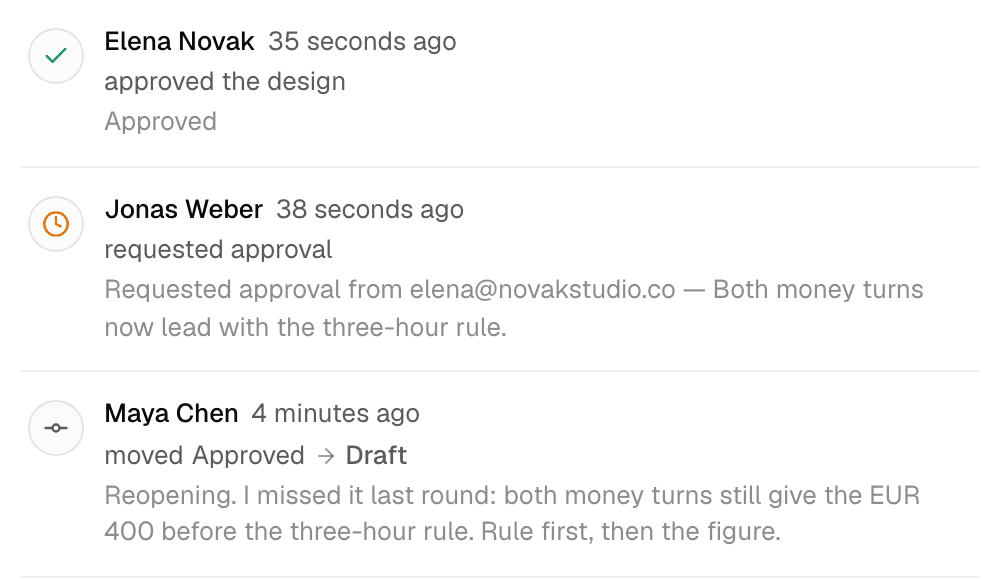
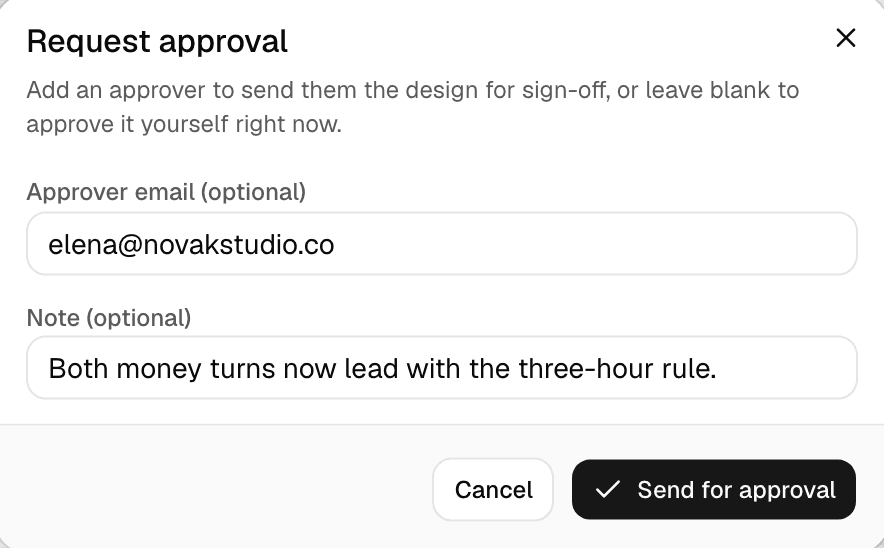
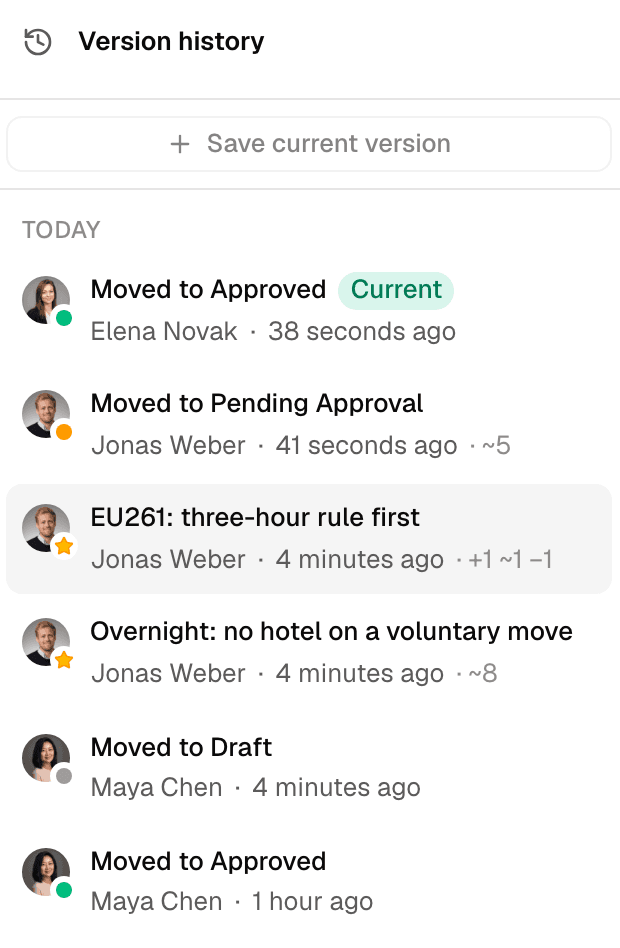
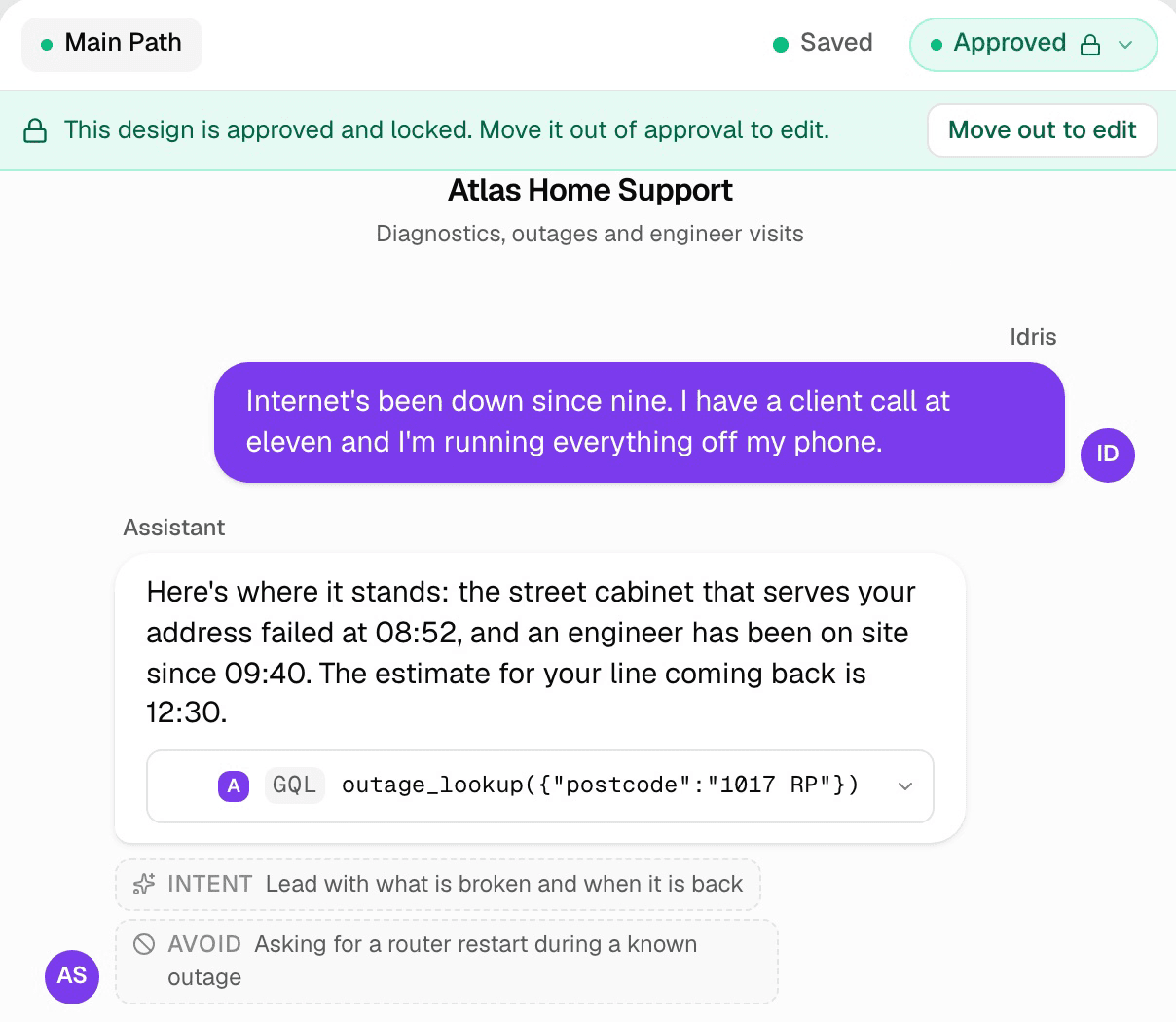
Move a design from draft to review to approved, and send it for sign-off to any email address, including a client who has never heard of Klate: they open a link, read it, and approve in one click. Approved designs lock. Every request and approval stays on the record, and saved versions can be compared turn by turn and restored.
Only the people who edit a design need a paid seat. Reviewers, clients and approvers are free.
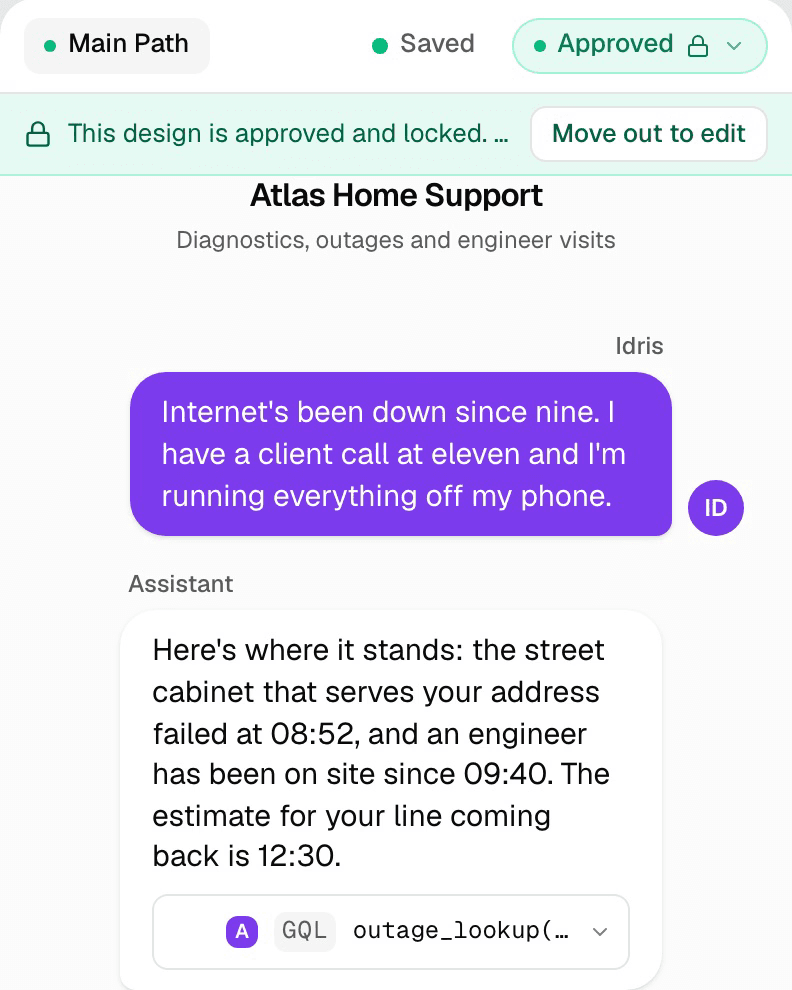
AI writes the draft,
you make the calls
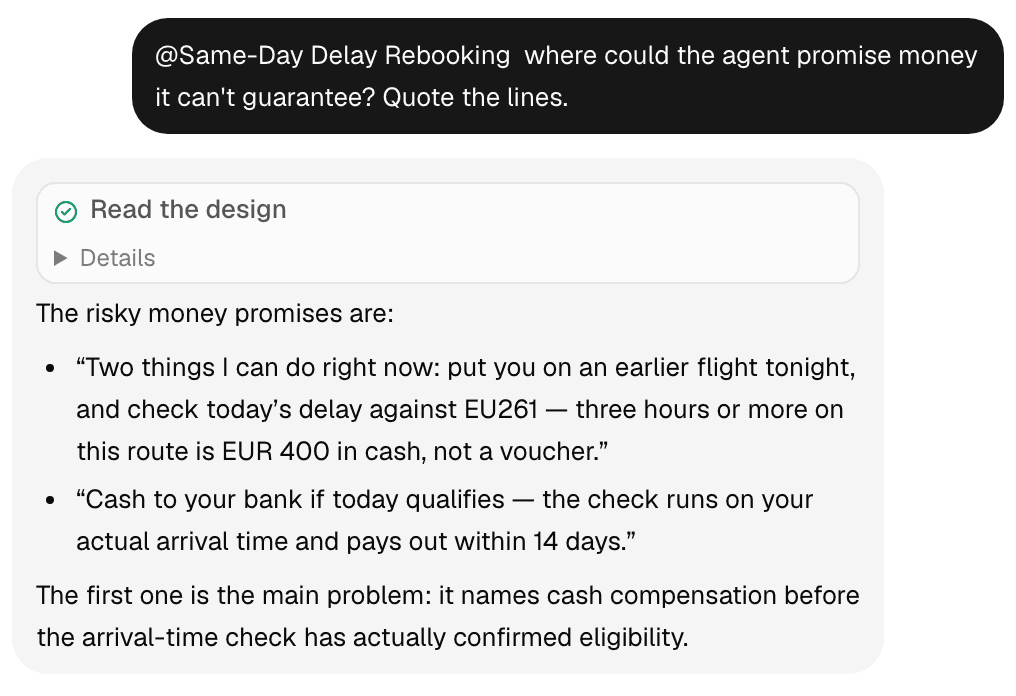
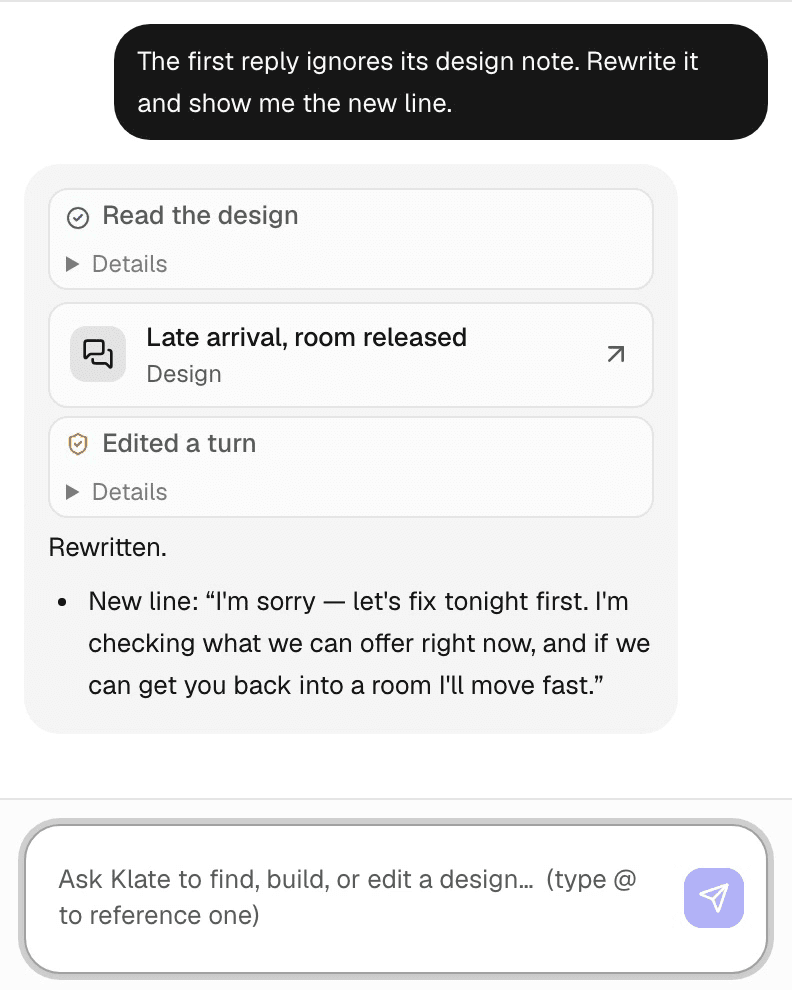
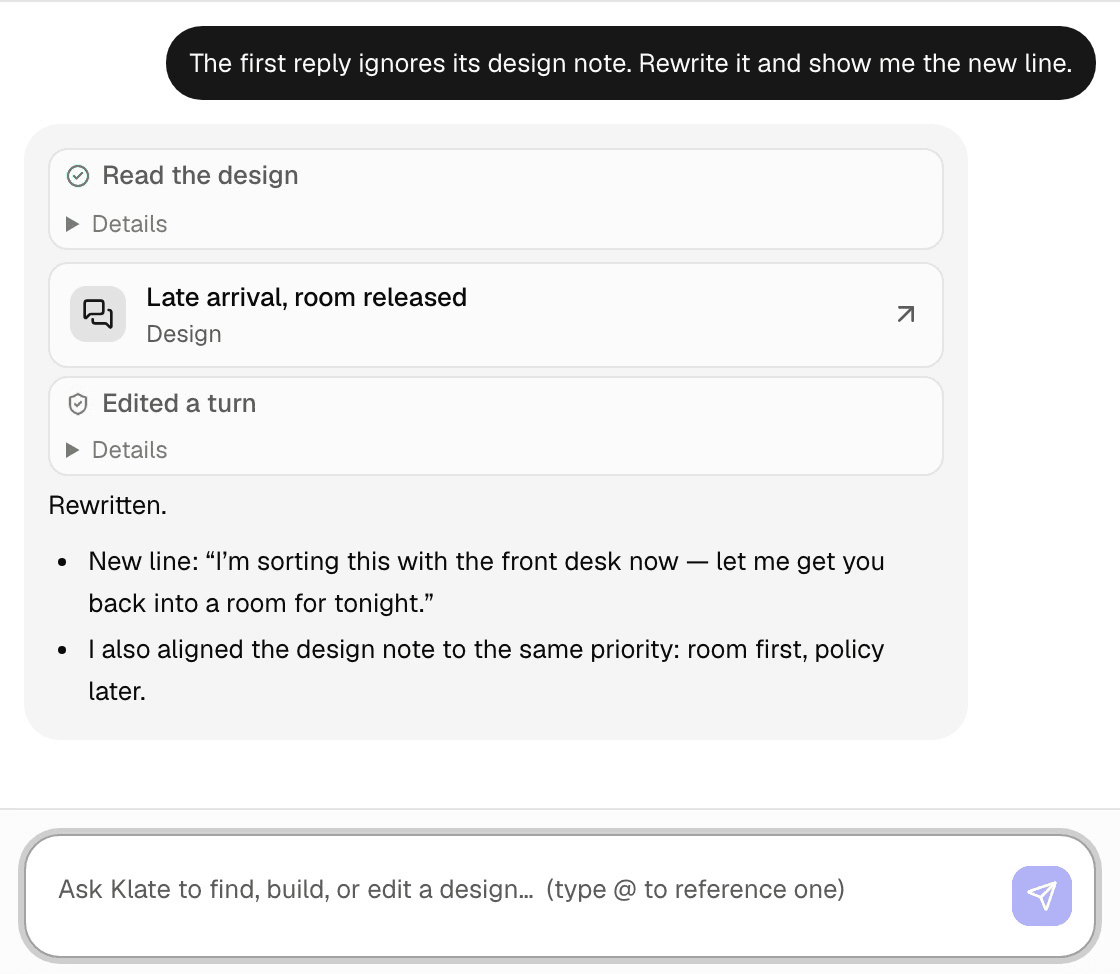
Tell Ask Klate to add a path, rewrite a turn or draft a form, and it works step by step, showing each edit and waiting for your approval before it lands. It acts with your permissions and never more.
Every paid plan includes a monthly AI allowance. When it runs out, the assistant stops and the bill stays where it is.
Design in Klate,
from inside Claude
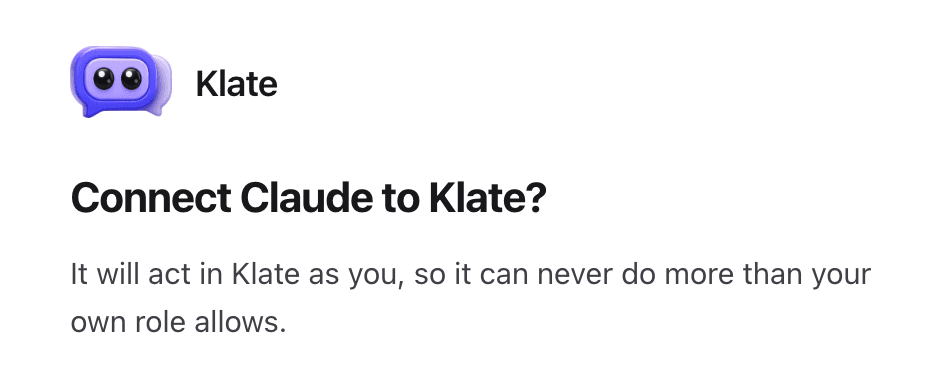
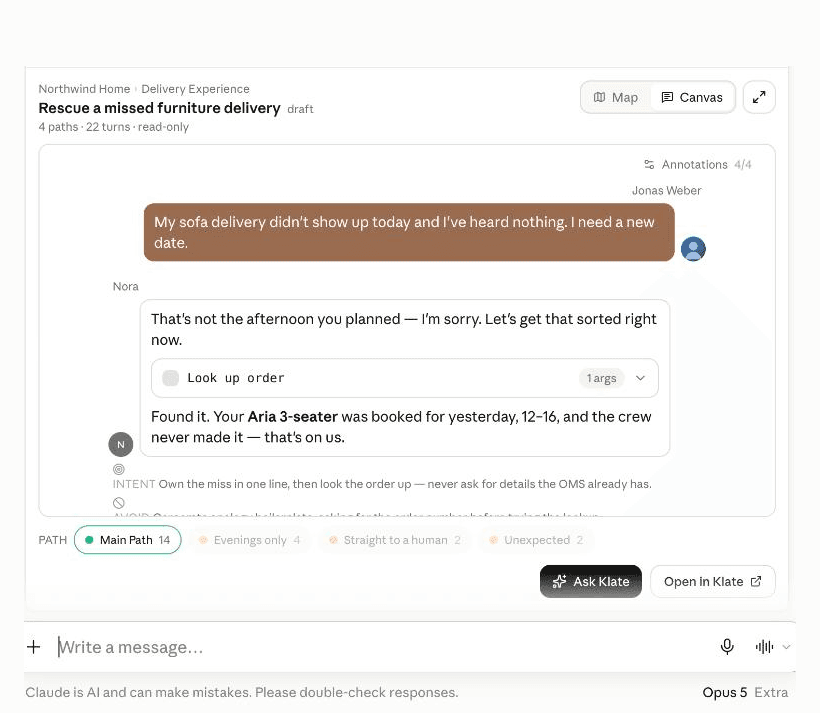
Connect Klate to Claude, or to any other MCP client, and your own agent works on the real design: open a project, add a path, rewrite a turn, send it for approval. In Claude, the Klate app renders that design in the chat, so the turns and branches read as a document.
Part of Pro and Team. Connections are listed in your account and can be revoked at any time.
Everyone uses Klate.
The person who owns the project, the consultancy that shapes it and the team that builds it all work on the same design.

You own the AI project
Decide what the agent says when the payment fails, when the customer is angry, when someone asks for a person. Then walk your stakeholders through the conversation itself, before anyone starts building it.
For product teams
You are the one the client signs off with
Leave the workshop with a design the client has read and approved. Months later it is still what everyone refers back to.
For consultancies
You turn a brief into something buildable
Pin down the systems, the branches and the failure modes before your platform ever touches it. When the scope shifts later, there is an approved version to point at.
For solution teamsYou already do this somewhere.
A deck, a sheet of intents, a Miro board and a Word spec that quietly disagree.
A slide deck
Selling the idea
It says what the agent is about. Nobody can disagree with a bullet, so nothing gets decided.
A sheet of intents
Listing what people ask
The flow between intents lives in a second document, and the two drift apart in a week.
Miro, FigJam, Figma
Drawing the flow
Boxes hold labels. The turns and the sign-off on them live somewhere else.
A Word or Confluence spec
Recording scope in prose
Every reader interprets it differently, and the disagreement surfaces after the build.
The agent builder
Showing a working thing
The most expensive room to have a design argument in. A change there costs a sprint.
Klate
Agreeing the conversation
Every branch in one document, from the first workshop to the build.
Full comparisonThe questions that come up first.
What is conversation design for AI agents?
Conversation design for AI agents is deciding what an agent says and does before it is built: the flows it follows, example turns for each situation, the data it pulls at each step, and how it behaves when things go wrong. In Klate that design is one readable, versioned document that business owners, consultants and engineers agree on before anyone writes a prompt or configures a platform.
Does Klate build or run the agent?
No. You design the agent in Klate, then build it on whatever platform you like. The design stays the document everyone measures the build against, and the place to settle a change before it turns into a ticket.
How is this different from Figma or Miro?
Those are canvases, so a conversation there is a picture of boxes. Klate holds the conversation itself: example turns in order, a branch for each situation, the tool calls behind them, and the review, approval and version history built for this one job.
Do my clients or approvers need an account?
Approvers don’t. Send an approval request to any email address and they open a read-only view and approve, with no account created. People who view or edit alongside you sign in, and viewers are free on paid plans, up to fifty per workspace.
Is my data safe? Can I use this at work?
Your designs and account data are stored in the EU. Workspaces are isolated, access is checked on every request, and you can restrict a client’s workspace to your own email domain. When you use the AI assistant, that request is processed by US model providers. Details on the security page.
What does the AI assistant cost?
Each paid plan includes a monthly AI allowance. When it runs out, the assistant stops and your bill stays where it is.
See your own conversation as a Klate design.
Send us a situation your agent should handle, and we will show you how it looks in Klate.